MarkEdit
A modern, feature-rich markdown editor with live preview
Windows
Auto-Updates
Git Integration
Discord RPC
Linux Support: Linux version coming soon!
Recent Updates (November 2025)
Command Palette
Ctrl+Shift+P for quick access to word wrap, timestamps, and task list utilities
Revamped Settings
Organized sections with comprehensive changelog
Drag & Drop Import
Drop .md files anywhere on the home screen
Auto-Delete Empty Files
No more clutter from untitled files
Features
Powerful Markdown Editing
- Real-time live preview (150ms debounced)
- GitHub Flavored Markdown (GFM)
- Single-line breaks render correctly
- Optional raw HTML support in preview
- Resizable editor and preview panes
- Auto-save with visual indicator
- Smart block spacing for lists and images
Customizable Themes
- Dark, Light, Green Forest, Deep Ocean, Sunset, Cyberpunk
- Live theme switching with persistence
- Word wrap toggle (persisted per session)
Multi-Language Support
- English, French, Spanish, German
- Seamless language switching with localized UI
File Management
- Create, import, and export markdown files
- Recent files quick access
- File rename and delete with confirmation
- Export to .md, .txt, and .html (PDF via print)
- Drag & drop .md files to import
- Auto-delete empty untitled files
- External file deduplication
Discord Rich Presence
- Show what you're working on in Discord
- Displays the current file being edited
- Toggle on/off in settings
Automatic Updates
- Checks automatically after startup
- Background download with progress indicator
- Restart Now or Later options
- Automatic installation and relaunch
Offline Images & Icons
- Add images via toolbar button
- Files cached per document in app data folder
- Secure custom protocol: app-images://
- Font Awesome bundled locally
Git Integration (Optional)
- Toggle Git features in Settings
- Connect repository and commit from editor
- Push directly from editor footer
- Smart UI with quick commit/push
Command Palette (Ctrl+Shift+P)
- Toggle Word Wrap - Soft wrap long lines
- Insert Timestamp - Add current date/time
- Convert to Task List - Transform to checkboxes
- Toggle Task Checkbox - Switch [ ] and [x]
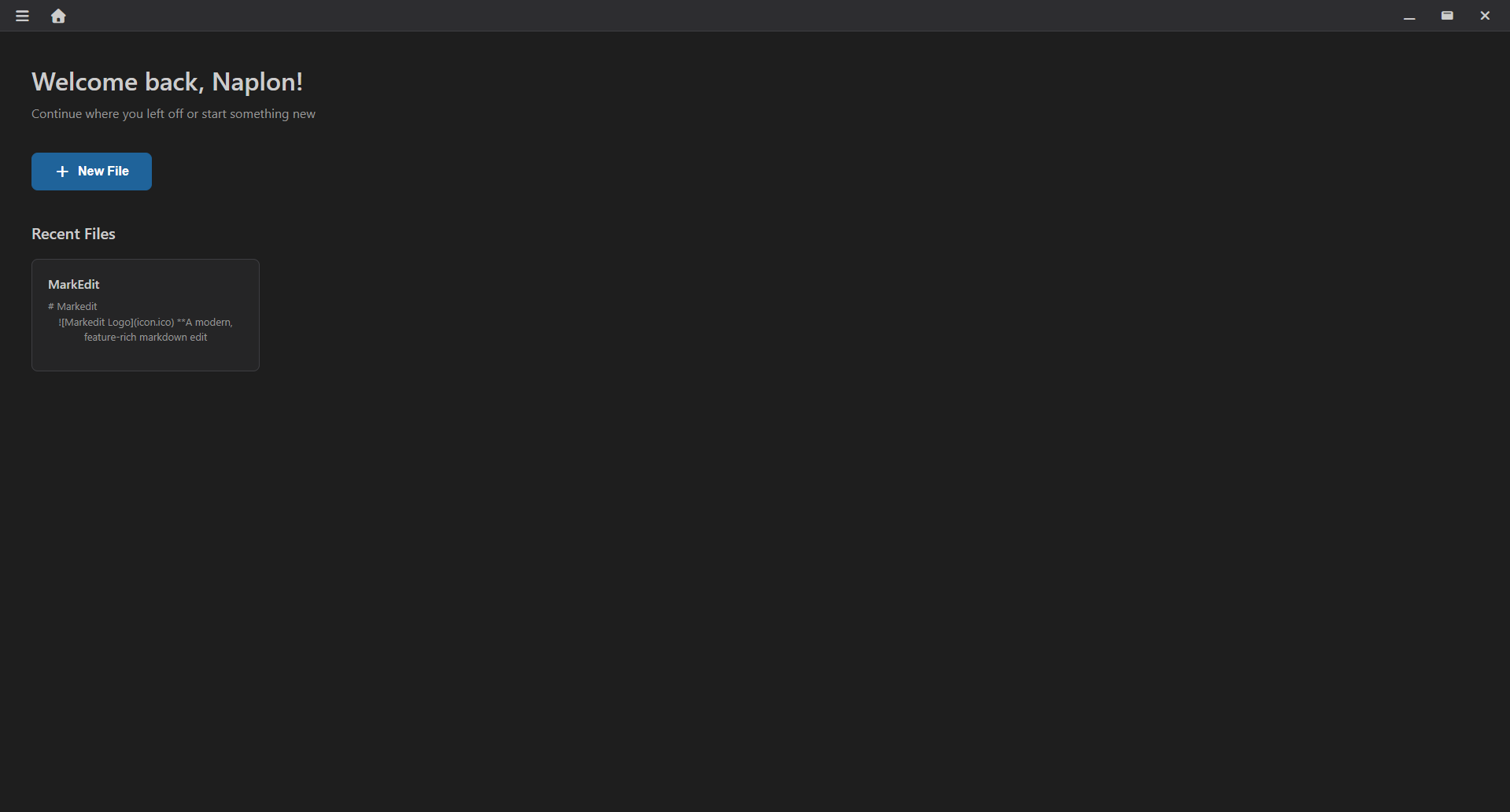
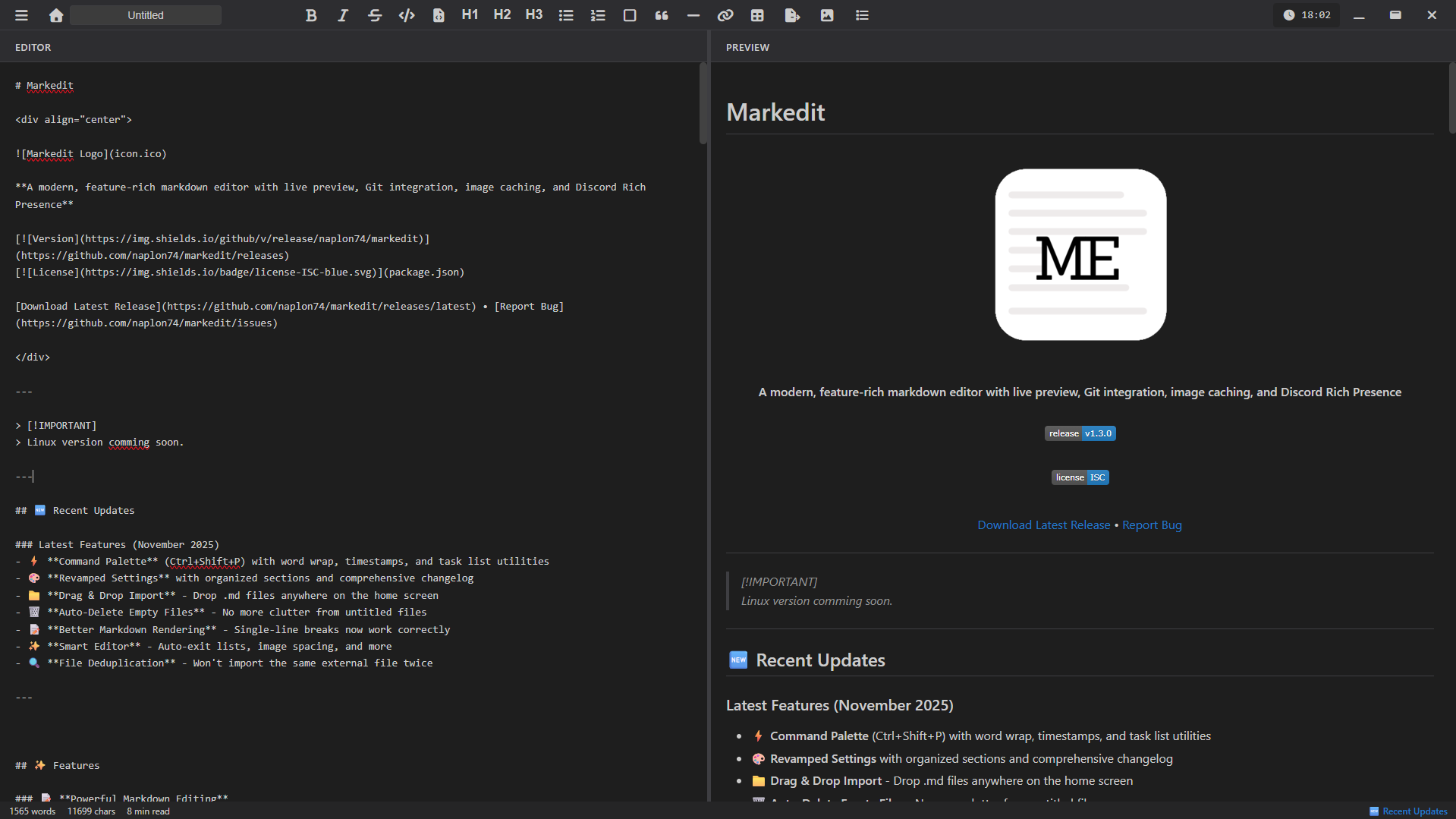
Screenshots
Markdown Wiki
Learn the basics of Markdown formatting to get the most out of MarkEdit!
# Headings
# H1
## H2
### H3
**Bold** & *Italic*
**bold text**
*italic text*
***bold & italic***
Lists
- Bullet item
1. Numbered item
- [ ] Task item
[Links](url)
[Link text](https://url.com)

`Code`
`inline code`
```language
code block
```
> Blockquotes
> Quote text
>> Nested quote
Tables
| Col 1 | Col 2 |
|-------|-------|
| Data | Data
              |
Horizontal Rule
---
or
***
Keyboard Shortcuts
Ctrl + Shift + P
Open command palette
Ctrl + S
Manual save
Tab
Insert 2 spaces
Enter on empty list
Exit list with clean spacing
Technologies Used
Electron
Marked
simple-git
Font Awesome
Roadmap
Completed
- Command palette
- Word wrap toggle
- Auto-delete empty files
- Drag & drop import
- Single-line breaks
- Task list utilities
- File deduplication
- Organized settings
Upcoming
- More export formats (DOCX, PDF native)
- Custom keyboard shortcuts
- Table generator dialog
- Content-based deduplication
- Performance optimization